
FuseGlobal: from brand guidelines to a Webflow build
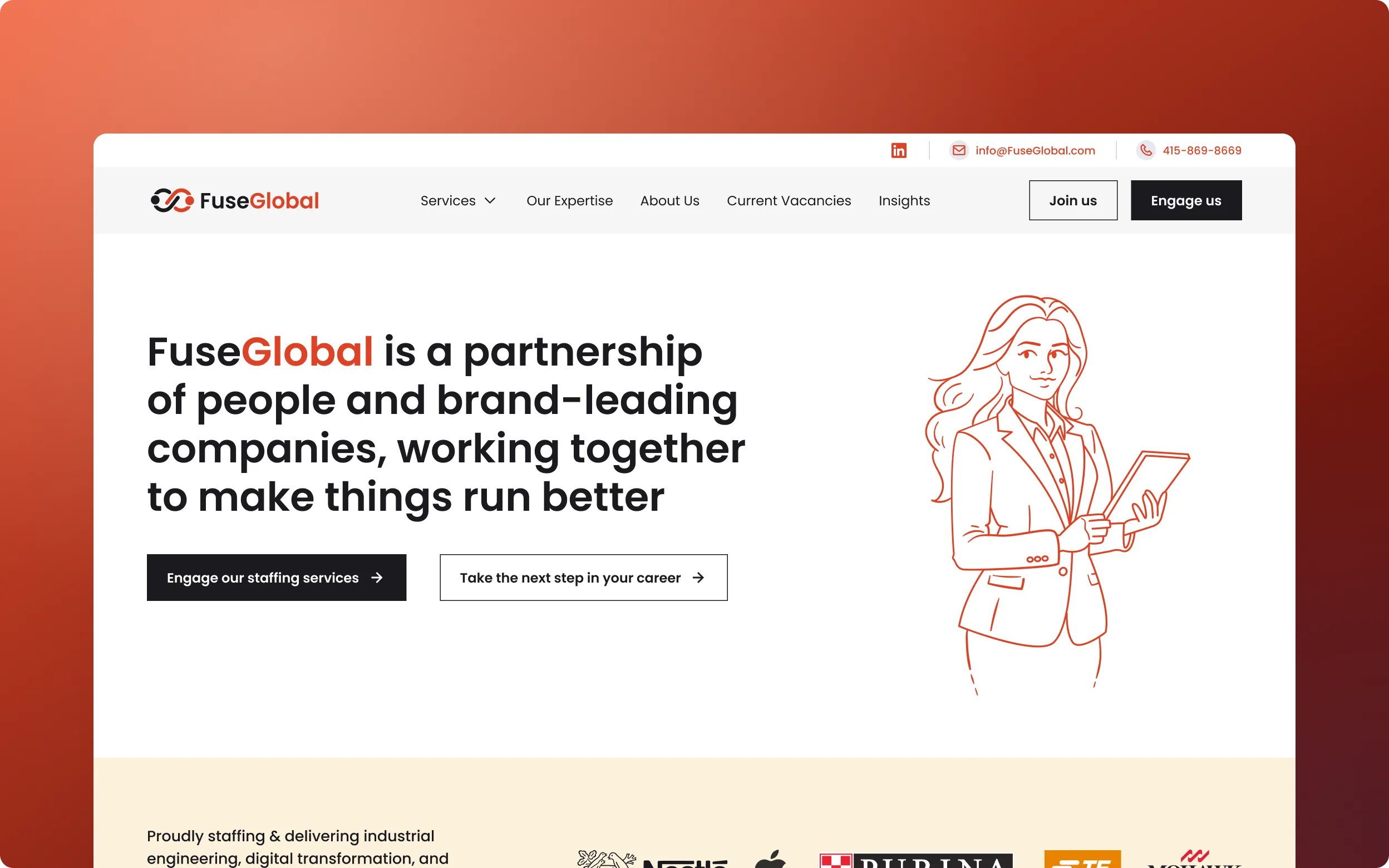
About the project
FuseGlobal is a staffing and professional services firm based in Berkeley, California. It started without a brand identity, so Roman Savchuk built the visual system and the Webflow site in one continuous flow: brand guidelines first, then the styles, an intuitive CMS, a Greenhouse careers page and a password-protected employee portal.
Key Takeaways
- Brand and site in one flow. FuseGlobal had no brand at the start, so the visual system and the site were built together, which kept design and code consistent.
- Guidelines as styles. The brand’s colour, type and illustration rules became the Webflow styles, so the site follows the guidelines by construction.
- Two real integrations. A Greenhouse careers page and a password-protected employee portal.
- Built for the editor. The CMS is made for non-developers, animation is subtle, and SEO and speed were handled in the build.
Reading the project as a developer
FuseGlobal started without a brand, so I was building on a system decided inside the same engagement rather than one inherited from someone else. I knew why the primary colour DE4225, the palette, the typography and the custom illustrations looked the way they did, which let me make implementation calls on the spot instead of waiting for answers.
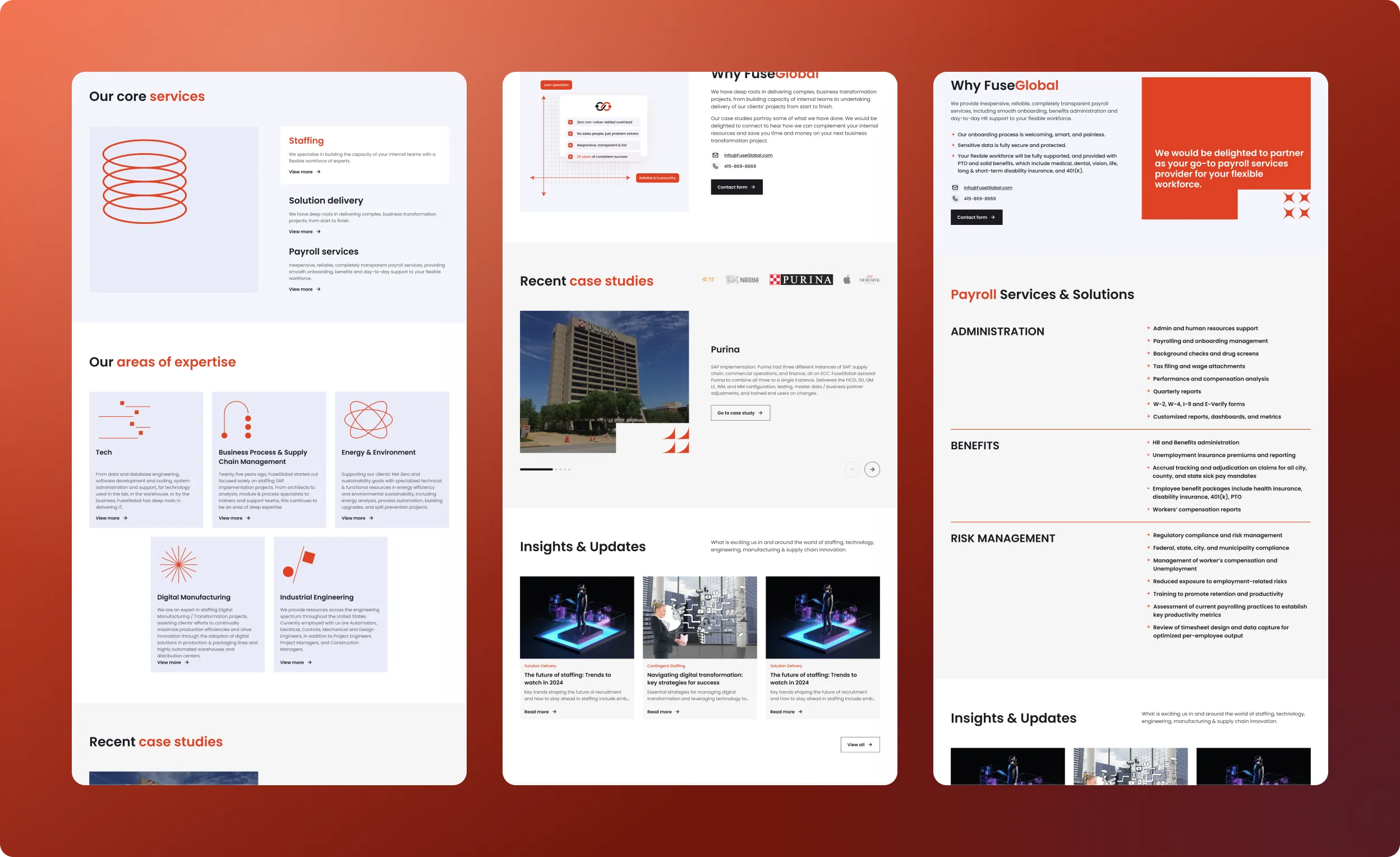
Turning the brand system into Webflow styles
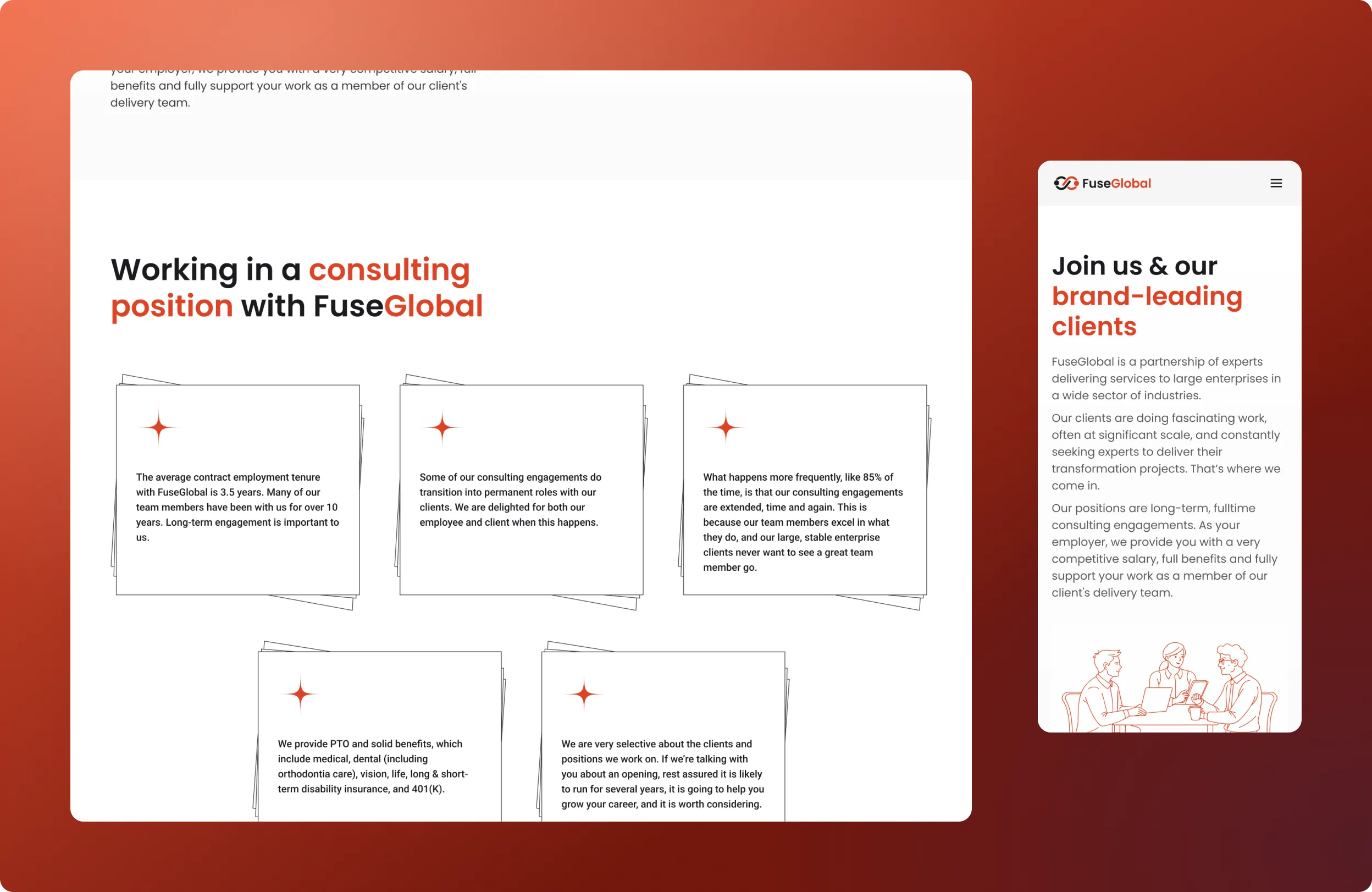
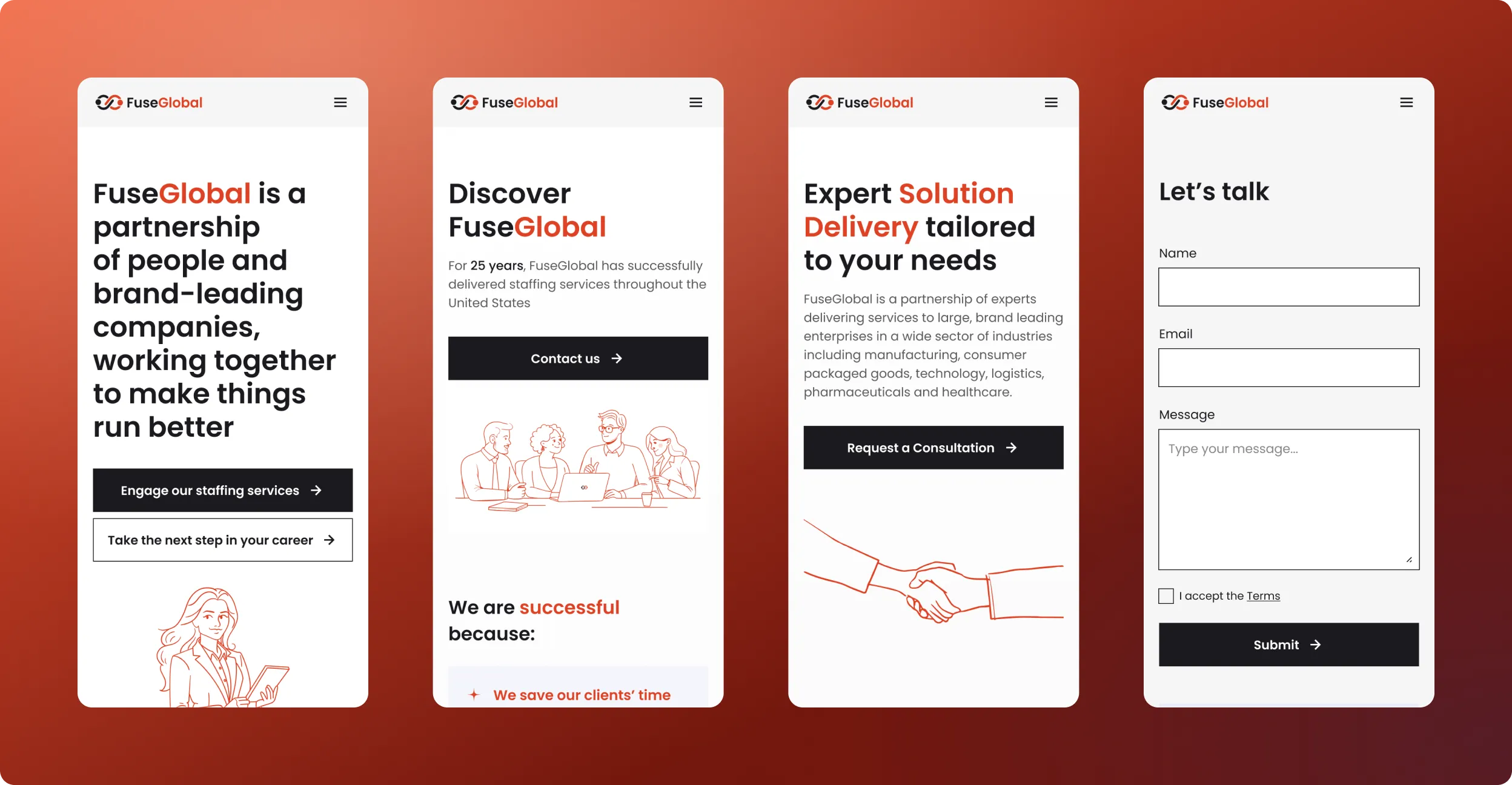
I took the guidelines and set up the site’s styles from them: the primary colour and palette as shared swatches, typography as a consistent set of text styles, and illustrations used across pages in a uniform way. Because everything points back to those shared definitions, a change to the brand is a change in one place, not an edit on every page.
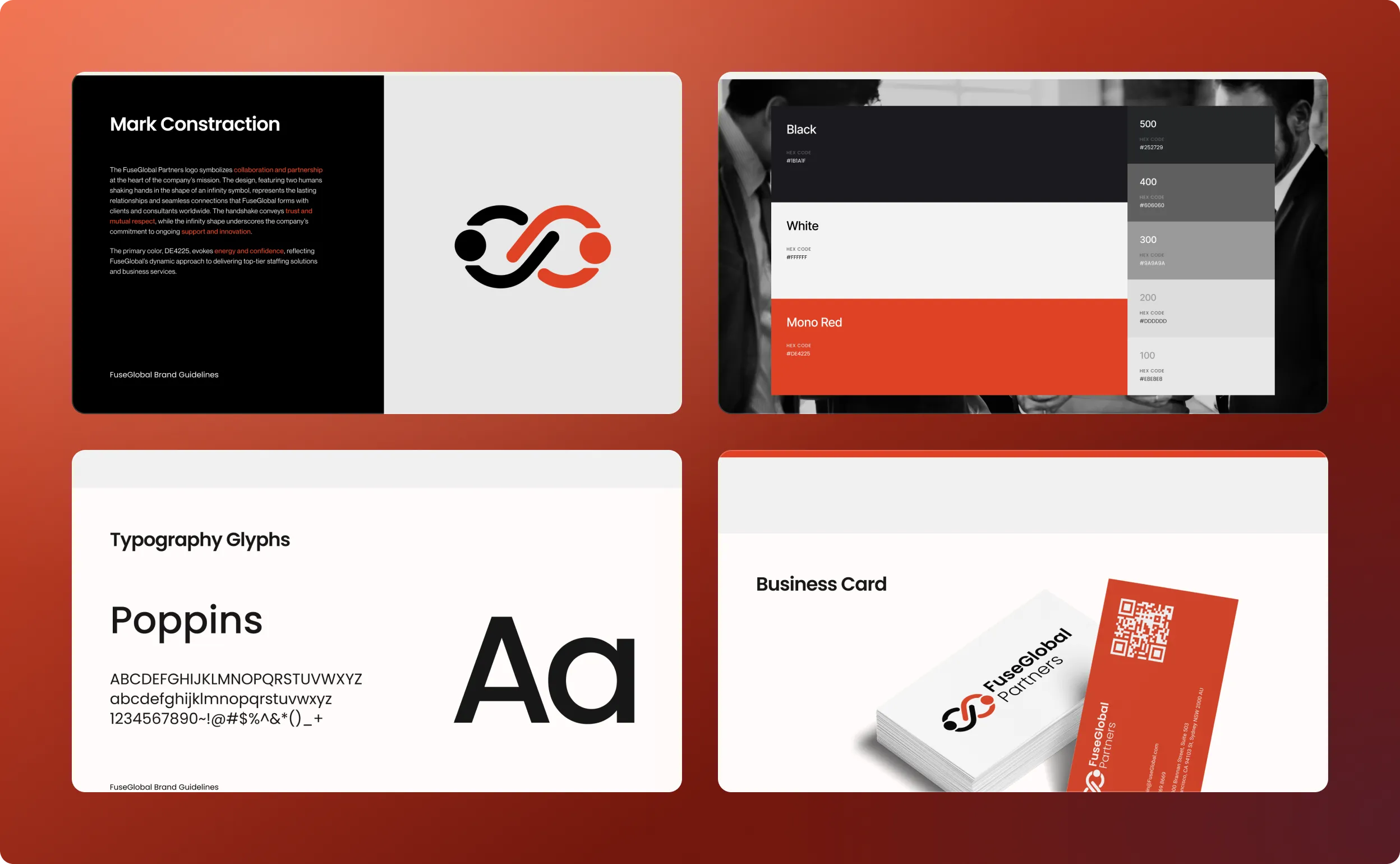
A CMS an editor can use without me
The CMS is set up so routine updates happen in fields and not in the layout. The aim was simple: the FuseGlobal team keeps the site current without needing me or a designer in the loop.
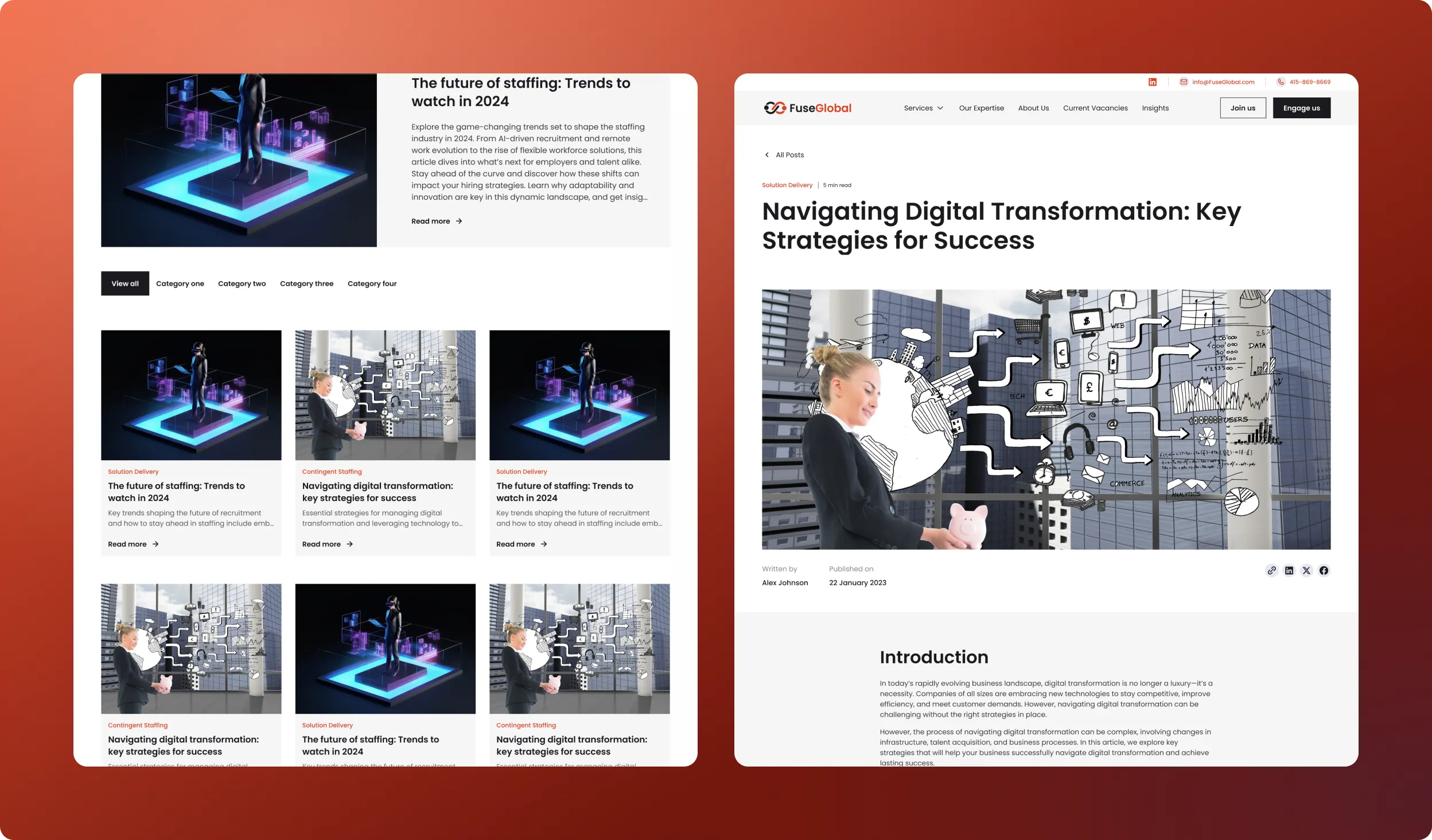
Careers page connected to Greenhouse
The careers page is wired to Greenhouse, which keeps the roles and applications, while the Webflow side acts as the candidate-facing front end. Hiring data lives in one place, and the page is not a second list that someone has to remember to update.
A password-protected employee portal
The site also has a password-protected area for staff, with internal material such as schedules, contacts and finance details. It sits on the same Webflow project but is kept apart from the public pages, so one build serves both audiences.
Subtle motion, SEO and speed
Motion is restrained and only supports the content. Page speed and on-page SEO were part of the build itself, not a cleanup pass after launch.
Outcome
The site went live as a clean, brand-consistent build that the client manages on their own. FuseGlobal founder Meldan Heaslip said Roman Savchuk “guided us through a thorough repositioning process” and created “a functional and aesthetically pleasing website”.
It was such a pleasure to work with Roman who worked diligently to completely rebrand our company and our services, guided us through a thorough repositioning process, and created a functional and aesthetically pleasing website. We are delighted with his good work.

FREQUENTLY ASKED QUESTIONS
01How do you keep a Webflow site faithful to a brand guideline?

By building the styles directly from the guideline: colours, type and illustration rules are defined once and reused, so pages inherit the brand automatically.
02What is the benefit of building the brand and the site together?
There are no gaps between design and code. Decisions made in branding carry straight into the implementation.
03How can a Webflow careers page stay current?
By integrating it with the applicant system. Here the careers page is connected to Greenhouse, so listings are not edited manually.
04Can Webflow host an internal employee area?
Yes. I built a password-protected staff section inside the same project, separate from the public pages.
05What can the client edit without a developer?
Content across the site, through an intuitive CMS.